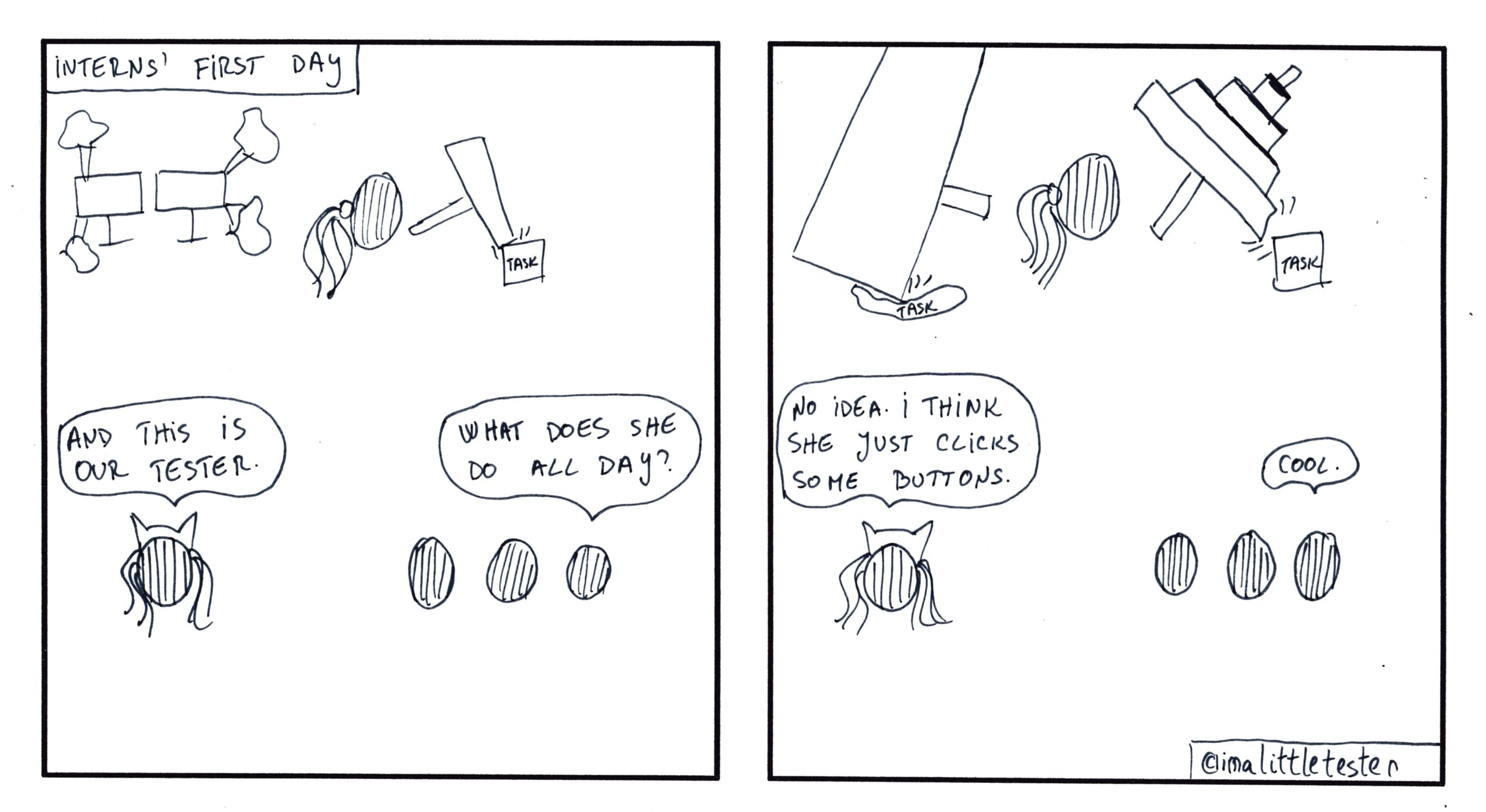
The Little Tester – Stories in Testing #27

These are the made up stories of a team working in an Agile environment. Their daily struggles and successes are presented in a comic/parody/satirical way. Click on the image to see it in full size.

The team members are:

  • Little, the main character. The team’s tester.
  • Coffee, the team’s Java developer.
  • Mr. Fancy, the team’s UI developer.
  • Senor, the Senior Developer of the team.
  • Kitty, the Scrum Master.
  • Glasses, the Business Analyst.
  • And the manager.

Disclaimer

This is a work of fiction. Names, characters, businesses, places, events, situations presented are either the products of the author’s imagination or used in a fictitious manner. Any resemblance to actual persons or events is purely coincidental.

The sole purpose of this comic strip is to be humorous.

The drawings are made by hand on paper, by means of pencils and fine liners, except for the outline, by the author. Hence their imperfection.
thewaiter: wait for WebElement attribute. To equal, contain a String, with variations.

An attribute of an HTML tag (or WebElement as you might know it from Selenium) stores valuable information about the state of that element. If we are thinking of checkboxes, a “checked” attribute will signal whether the checkbox is selected or not. For a link, the “href” attribute will tell us what location on the web it points to.

There will be times when your Selenium tests will need for an attribute of a WebElement to have an expected value. This signals that the state you expect your product to be in is correct. Before any other steps will be performed, you will need to make sure that the value of the attribute is correct, and for this process asserts are quite frequent. Enter “thewaiter” library, which has methods for you to wait for the attributes, not only to equal a text, but to also contain it, or to equal/contain it ignoring whitespaces or the case. Continue reading thewaiter: wait for WebElement attribute. To equal, contain a String, with variations.

How WebDriverWait works differently for WebElements defined by driver.findElement versus PageFactory initialization

When it comes to using WebDriverWait to wait for WebElement properties,like text or attributes, when sending WebElements as properties generated via PageFactory, that will work properly. However when using ‘driver.findElement()’ to identify the WebElements required as parameters in the WebDriverWaits, that will fail. Here is the reason why. Continue reading How WebDriverWait works differently for WebElements defined by driver.findElement versus PageFactory initialization