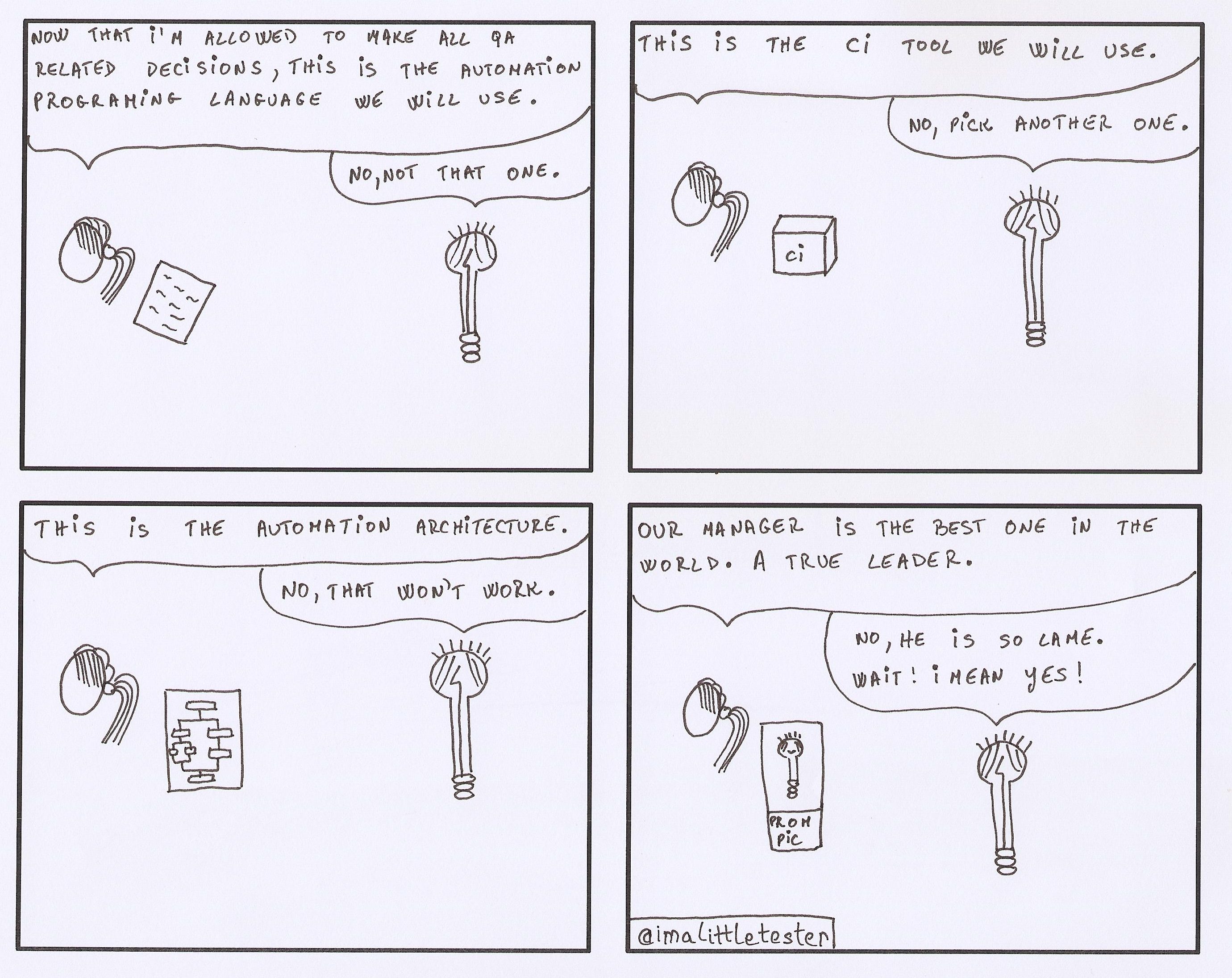
The Little Tester #102
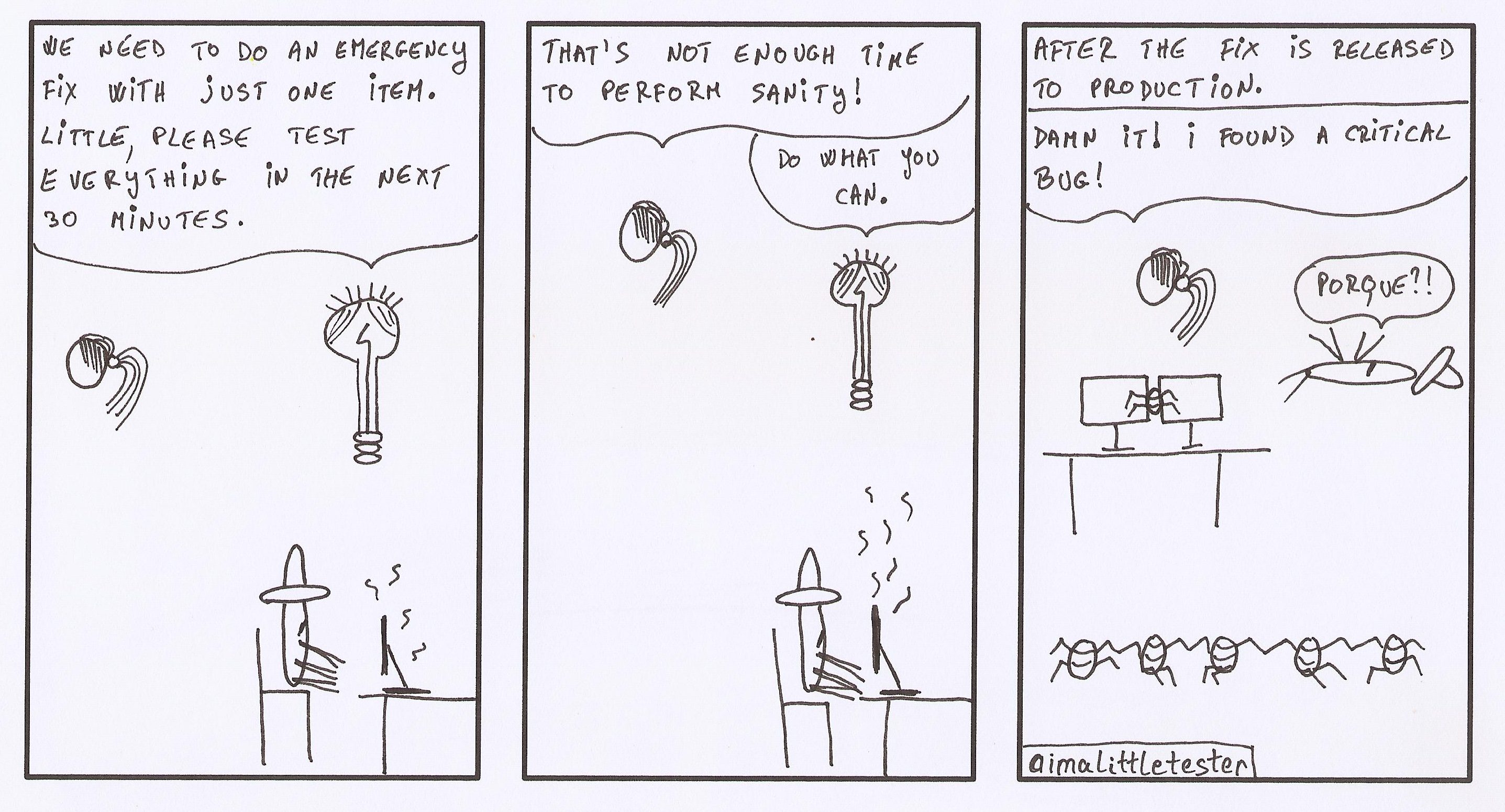
The Little Tester #101

The Little Tester – Almost season 3

Working with user prompts in Selenium
In your tests you might encounter specialized popups, which are generated via Javascript, and which are called ‘user prompts’. These are very basic in functionality, and they come in three variants: an ‘alert’ which only displays an informational message and an ‘OK’ button; a ‘confirm’ which displays an informational message, together with an ‘OK’ and ‘Cancel’ button; a ‘prompt’ which displays an informational message, possibly an input field for typing into, and an ‘OK’ and ‘Cancel’ button. Continue reading Working with user prompts in Selenium
Share this:

The Little Tester #100
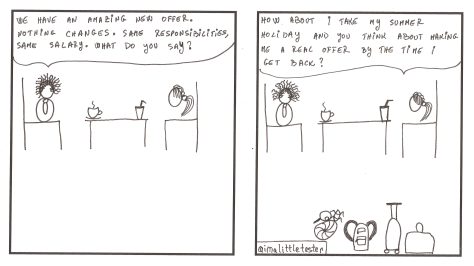
The Little Tester #99
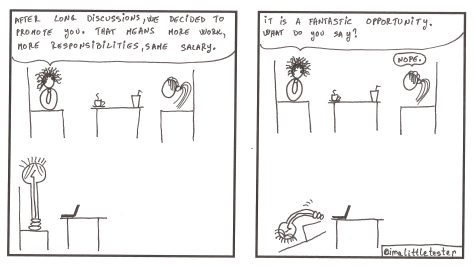
The Little Tester #98
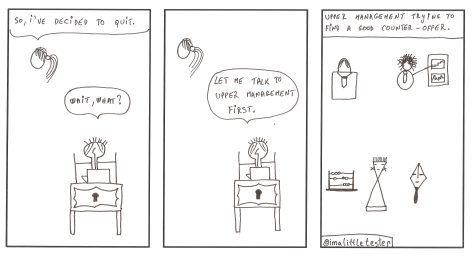 These are the made up stories of a team working in an Agile environment. Their daily struggles and successes are presented in a comic/parody/satirical way. Click on the image to see it in full size.
The team members are:
- Little, the main character. The team’s tester.
- Coffee, the team’s Java developer.
- Mr. Fancy, the team’s UI developer.
- Senor, the Senior Developer of the team.
- Kitty, the Scrum Master.
- Glasses, the Business Analyst.
- And the manager.
Disclaimer
-
This is a work of fiction. Names, characters, businesses, places, events, situations presented are either the products of the author’s imagination or used in a fictitious manner. Any resemblance to actual persons or events is purely coincidental.
-
The sole purpose of this comic strip is to be humorous.
-
The drawings are made by hand on paper, by means of pencils and fine liners, except for the outline, by the author. Hence their imperfection.

Working with windows/tabs in Selenium
When testing requires you to work with multiple open windows or tabs, Selenium is here to help. A new window or tab usually opens when a user clicks on a button or link which triggers the new page that loads to be open in a new window or tab. Whether it is a window or tab that opens depends on the browser you are using. No matter whether you have a new tab or a new window that opens, the methods presented in this post for working with them behave exactly the same. They make no distinctions in regards to what was open (a tab or window). Continue reading Working with windows/tabs in Selenium

 imalittletester