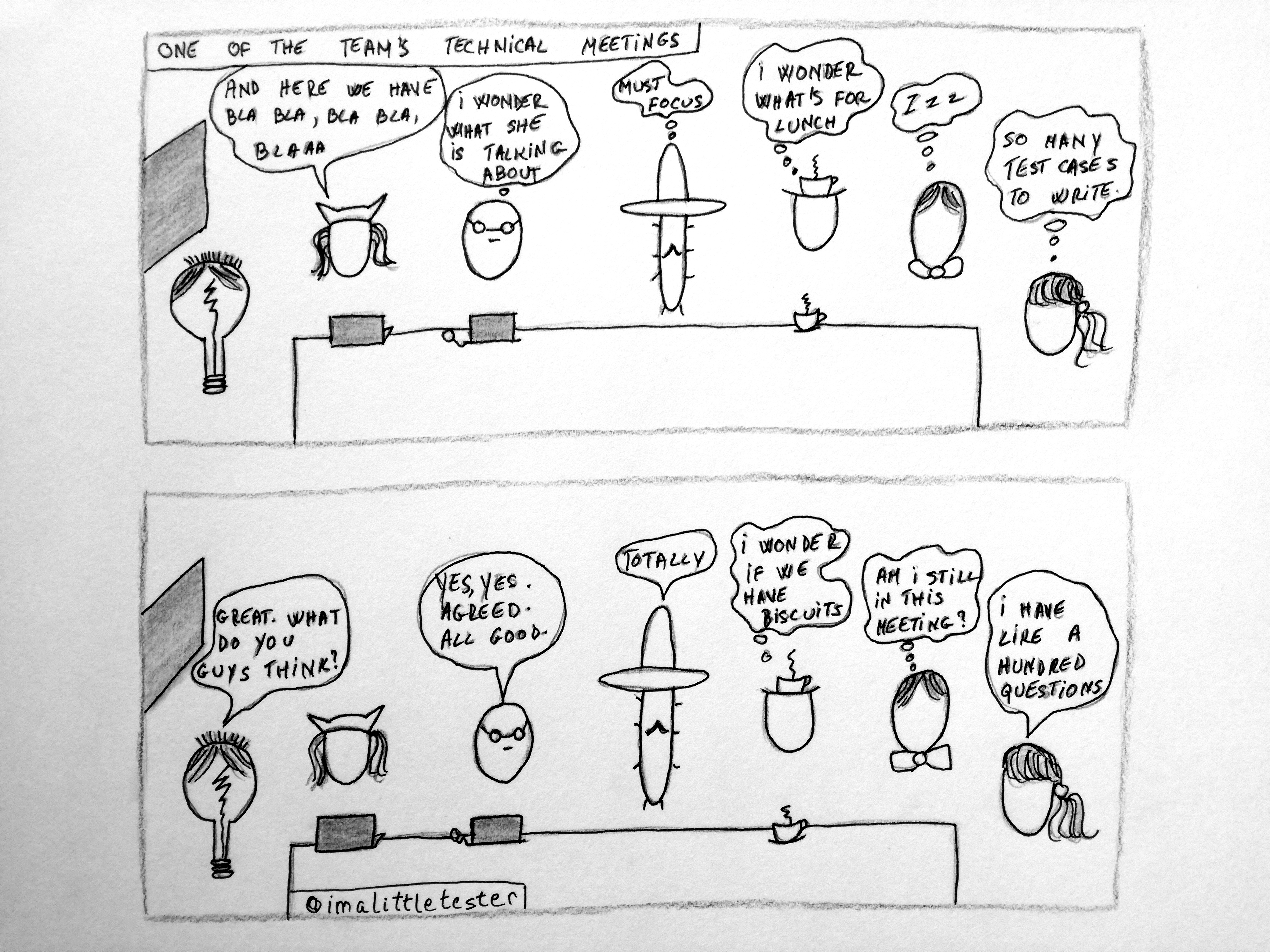
 Continue reading The Little Tester – Stories in testing #1
Category Archives: testing

The Little Tester – Stories in testing #0



The tester’s daily dilemma: my automated tests fail because of the test environment. What can i do?
Automated tests. They are there, and they need to be run. On a test environment. By you. You wrote them in a way that they should be reliable, when the features under test work as designed.
But each day you run the same tests on the same test environment, and they fail. Not because the feature under test is not working properly. No. Because of external factors, and by external i mean: hardware issues, network issues, other services that are underlying to your own but are not in your control. And to make it an even more awesome experience, each day you the run the tests, they fail when performing a different step than the one they were performing the day before when they failed. Continue reading The tester’s daily dilemma: my automated tests fail because of the test environment. What can i do?
Share this:


Extracting substrings with StringUtils from the Apache library
Following on from some of my earlier posts, where I described some of the useful utils from the apache.commons.lang3 library (like that very nice RandomStringUtils class), this time I will focus a bit on the StringUtils class. As the name suggests, it provides developers and testers an easy way to deal with certain String related operations. The class is quite large, so in this post I will cover the ‘substring’ category. As the name suggests, these methods deal with extracting substrings from a larger string, based on some conditions. Continue reading Extracting substrings with StringUtils from the Apache library
Share this:


SoftAssert – don’t make your test fail on the first assertion failure
When you have more than one assertion in your test, you might want one of two things:
- Have your tests fail once the first assertion failure is encountered.
- Have all your assertions run, no matter if they have passed or failed. Of course, after they are run, if there are failures, you want the test to fail, and also show you where the issues were.
Continue reading SoftAssert – don’t make your test fail on the first assertion failure
Share this:


How to identify the test scenarios you have to automate
Suppose you are starting work on a new piece of software that you will need to write automated tests for. Your goal is to cover the most relevant test scenarios that apply to the feature , without missing or forgetting one. Below are a few steps (guidelines) to help you achieve identifying those required scenarios (a sort of ‘how i do it and it works for me’ guide). Continue reading How to identify the test scenarios you have to automate
Share this:


A few developer principles that testers should follow
I’m thinking you should, in no particular order…
- Start from the basic . When learning a new language, start from the beginning. Understand the elementary notions of it. Make sure you know what the language represents, what it is used for, how to write it properly. Read the tutorials, try out the examples.
- Be lazy. Don’t reinvent the wheel. If you need some code that someone has already developed, use it. Use existing libraries where possible.
- Modularize, don’t copy paste. When you know you have bits of code that will repeat themselves, extract them in a separate method and call that method wherever the code is needed.
- Think and plan before you write your tests. Take time to analyze the requirements, to discuss the implementation with the developers, in order to identify the broadest and most relevant set of test cases. Take notes. Visualize how regular users will interact with the site. Make sketches. Jumping into testing just to finish it will make you skip some obvious scenarios.
- Name things properly. Whenever you pick a name for a method, attribute or test scenario, make it relevant to what it is supposed to do. Describe it as much as possible. Use a decent amount of letters (not 2-3 and not 100).
- Ask questions. Whenever something is not clear, or when you just need a confirmation of how well you understand the requirements, ask the people around you for information. No matter how basic or stupid the question might sound, it’s the start of a conversation which benefits all the people included in it.
- Separate concerns. Don’t put all the code in one class. Analyze what you must write. What part is the setup, what part is the verification? Usually tests should largely focus on the actual testing, not the setup, so maybe extract that part into a separate class/unit, so that you minimize how large a test it. Also, you can put in all validations in a separate place. In this case, when you read the test, you should have – a line of code which calls the setup; the test logic; one line of code that performs the validation (if possible).
Continue reading A few developer principles that testers should follow
Share this:


Quick Tip: IntelliJ – easily updating method calls when method signature changes
The What
I wrote a Java method, whose signature contains a number of parameters. This method is called by many other methods (i use the method in my tests). After a while i realize one of the parameters is not needed anymore. I want to change the method signature and to update all its’ references throughout my code.
The How
Continue reading Quick Tip: IntelliJ – easily updating method calls when method signature changes
Share this:


Selenium tests, the Object Oriented Way
Some while ago i published an article in a local magazine on the topic of writing Selenium tests in an Object Oriented fashion. As i believe this is a very useful way of reducing the number of asserts tests can include, and to expand to a bigger audience, here is a different approach to writing Selenium tests.
This approach is recommended when you have, for example, a big module whose properties you must compare to the expected ones, after performing an action or when it comes to testing the translation of the page. Continue reading Selenium tests, the Object Oriented Way
Share this:


Improving your code by using IntelliJ’s Inspections feature
Writing proper code in your IDE is made easier when using IntelliJ, due to its’ code analysis features. One option to perform a comprehensive coding issue search is to use the Inspect Code feature IntelliJ provides. From the class you want to check for issues, right click (inside the class, in the editor) and choose Analyze –> Inspect Code. Continue reading Improving your code by using IntelliJ’s Inspections feature

 imalittletester